


 Version
 Update Time
 Category
 Size
Size Download(39.09MB)
 5.1.10
 50MB
50MB
Try-out any color virtually on your own wall
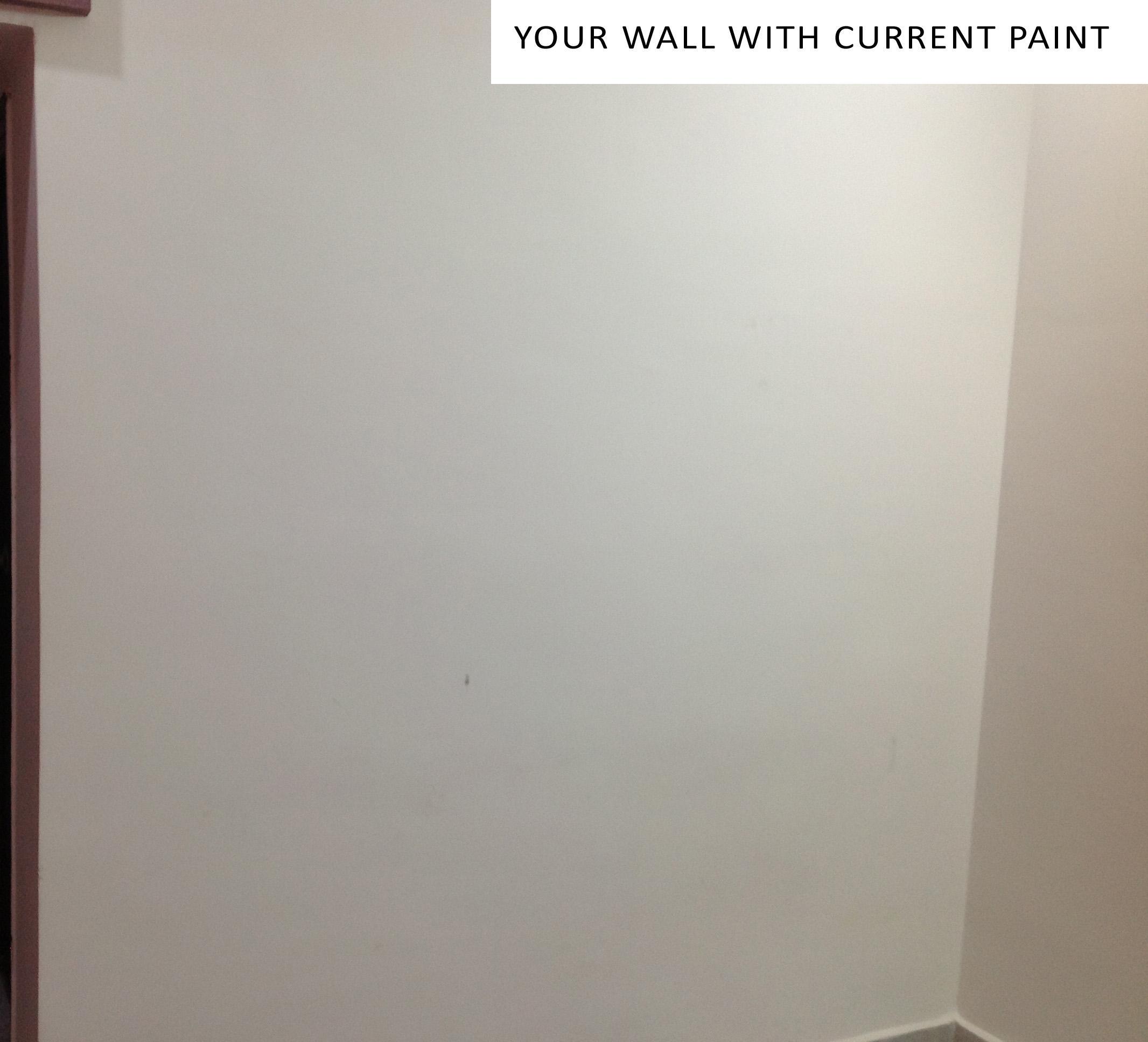
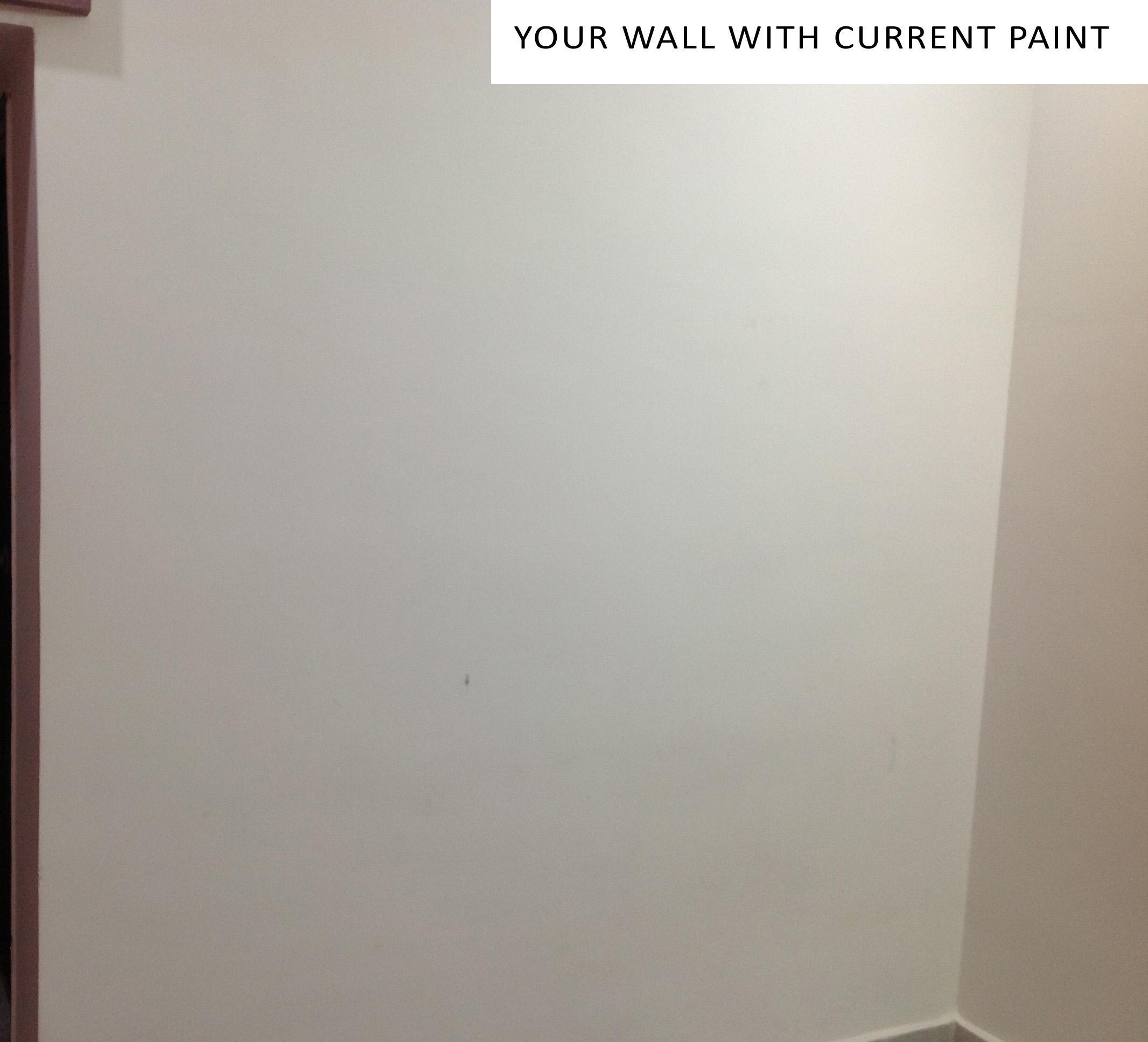
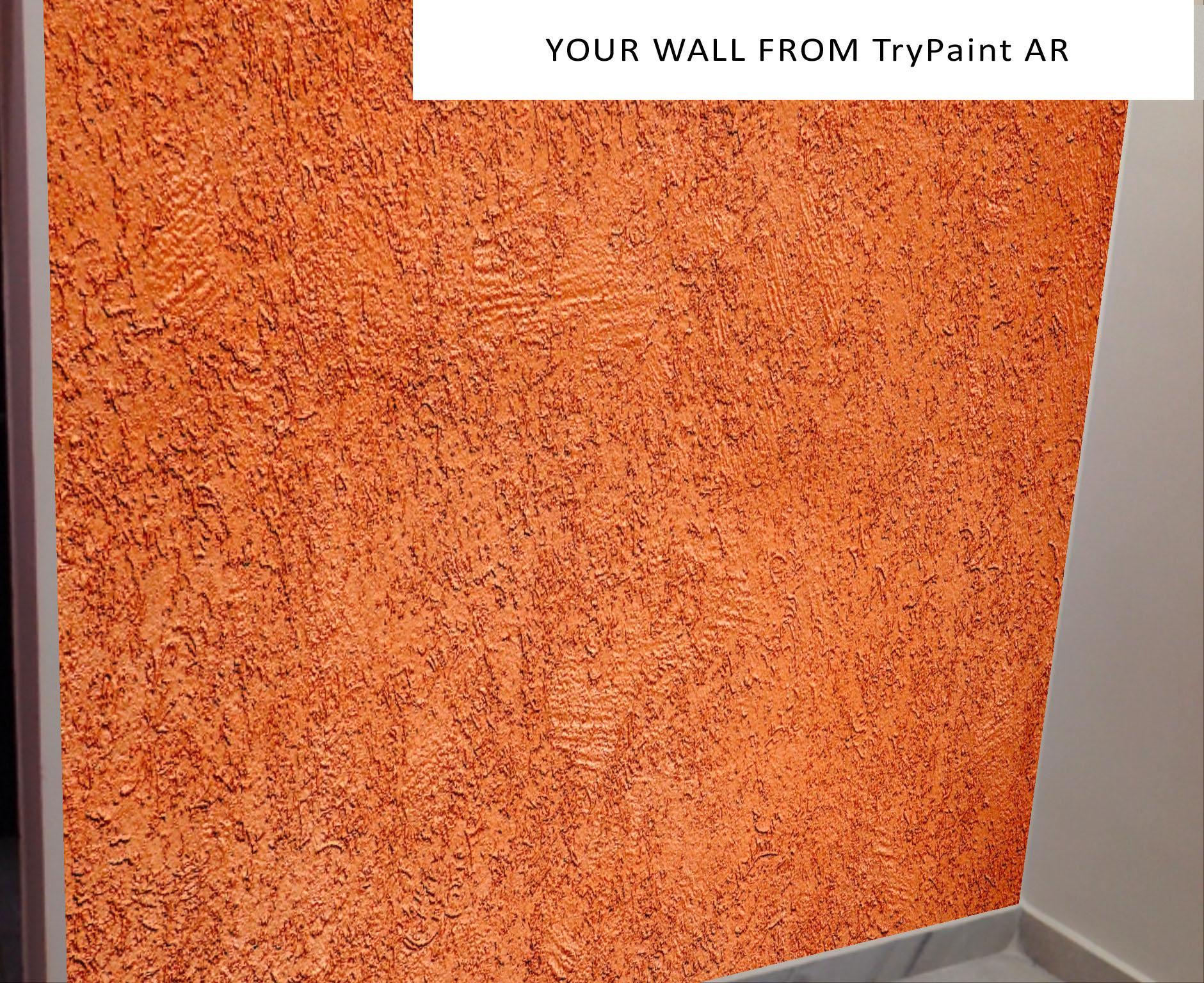
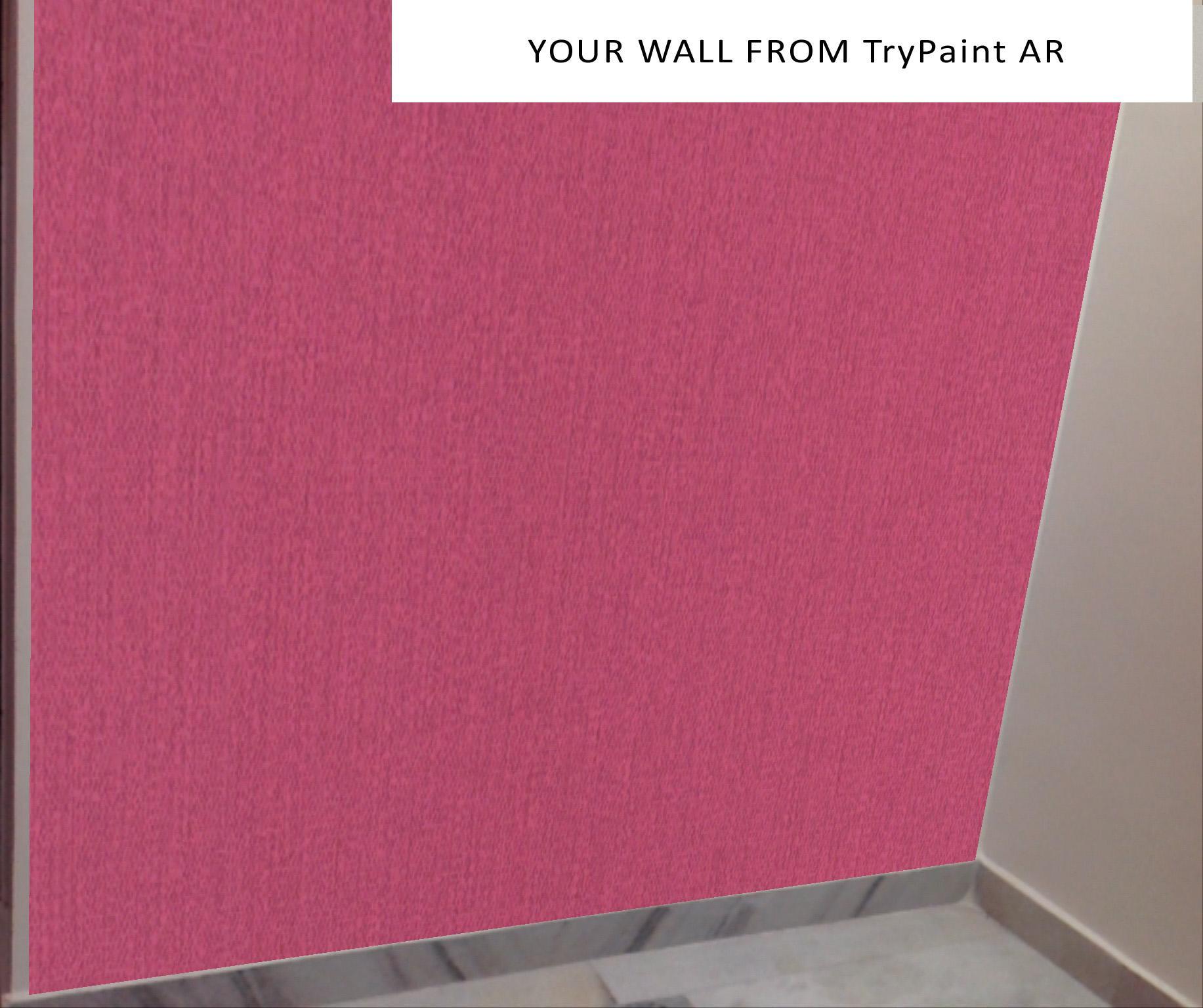
TryPaint AR App allows users to visualize and virtually try-out different paint colors before getting it painted. No more guess work on how the new paint will look on your wall, no more sample paint work wasting time and money and no more digital tools and apps that show how the color looks on pre-defined rooms that does not match to your own room/wall. Now with TryPaint AR App you can virtually try out right at the wall of your own room and building and see how it looks before painting colors which saves time, money and unnecessary reworks.
Perfect for use by home owner or paint contractor or interior designer or architect.
How to Use TryPaint AR App:
1. Download the TryPaint AR App from the Google Play.
2. Once the app has downloaded onto the device, tap the app to open it.
3. Print the target from the link http://rightslope.com/trypaint.jpg
4. Place the target at the center of the wall to be painted with sufficient lighting
5. Point your smartphone or tablet camera on the Target
6. Make sure there is a minimum distance of 3 feet from target to camera
7. Tap on the “Select Color” button and grid will appear with array of color texture options
8. Scroll down to select a color to try out and you can visualize that color on the wall target
9. Tap on the “ Scale Paint” button and scale will appear
- Use top bar sliding scale to see how the color will look in vertical direction
- Use middle bar sliding scale to see how the color will look in horizontal direction
- Use bottom bar sliding scale to see how the color will look in the whole area
 Users also viewed
See all
Users also viewed
See all
updated
updated

updated

updated

updated
updated

updated

updated
updated

updated
updated
updated
 Popular Games
See all
Popular Games
See all
updated

updated

updated

updated

updated

updated

updated

updated

updated

updated
updated

updated